1. Choose how you build
Pick AI builder if you build in a chat like Lovable, Bolt, v0 or Replit. Pick Coding agent if you use Claude Code or Cursor. Then choose your tool: the steps and the message follow it.
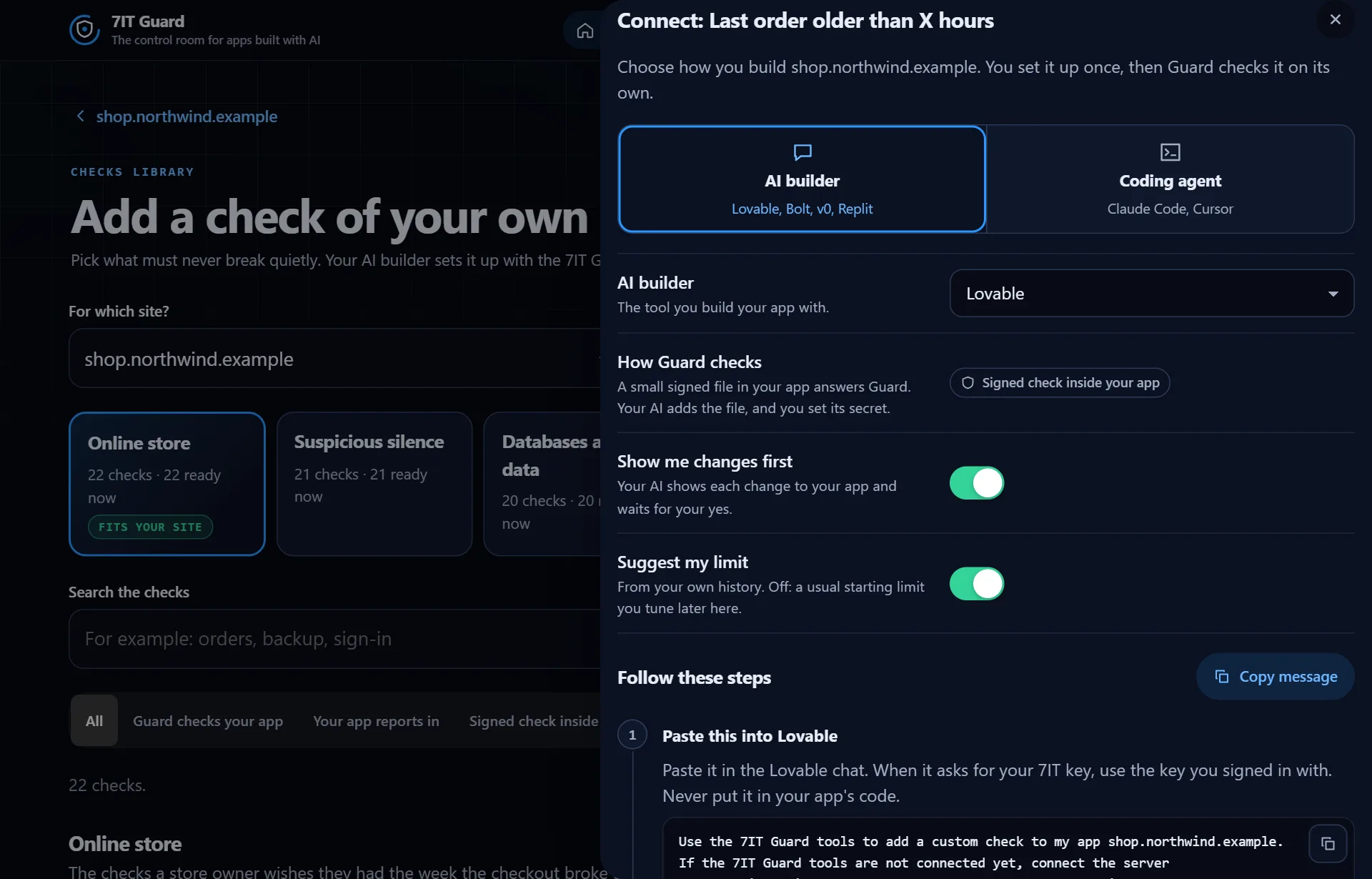
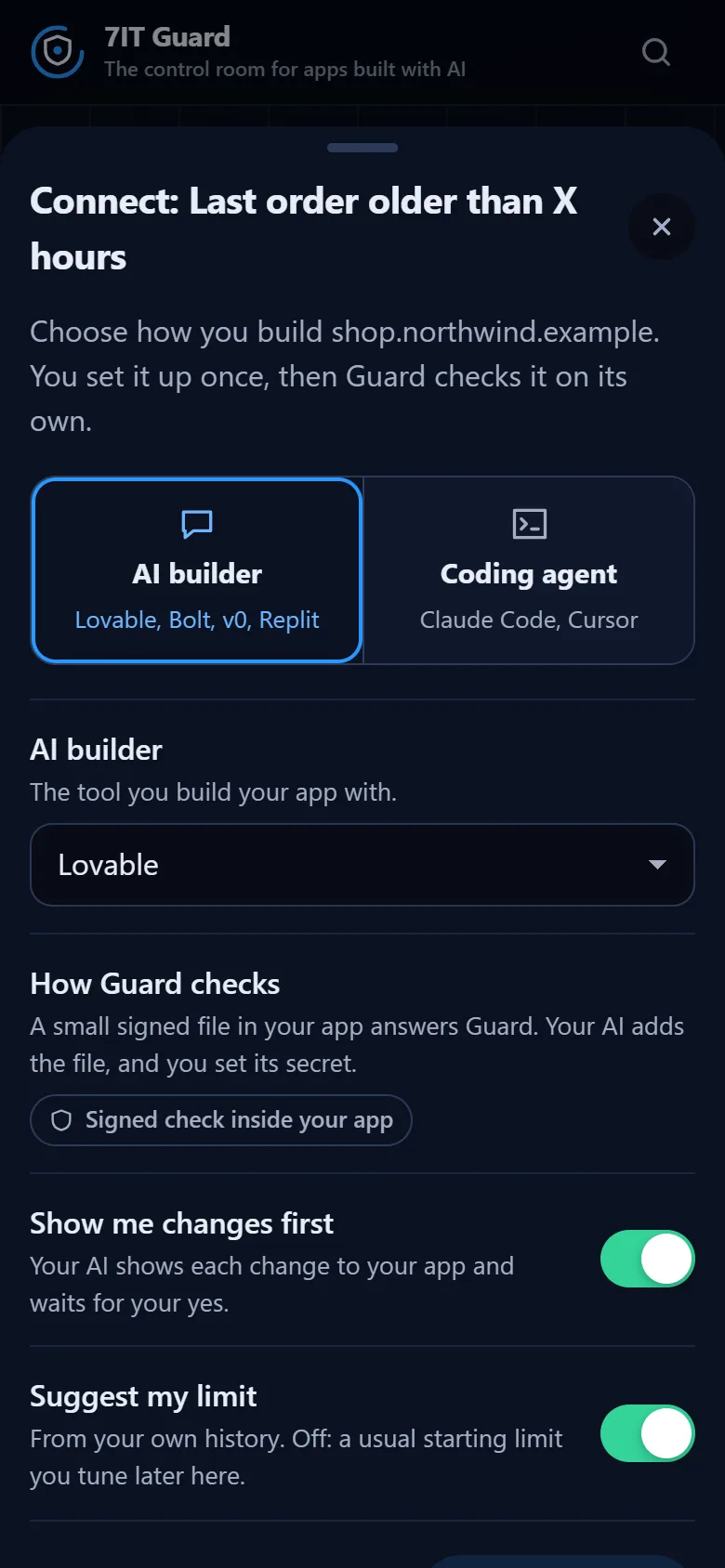
2. Set the options
- How Guard checks: one sentence on how this check works.
- Show me changes first: your AI shows each change to your app and waits for your yes. On by default.
- Suggest my limit: your AI suggests the limit from your own history, like how long you usually go between orders. Off: a usual starting limit you tune later in the app.
3. Follow the numbered steps
Each step has its own copy button. With a coding agent, step 1 adds the 7IT Guard tools once: for Claude Code a single command, for Cursor a short setting. Replace YOUR_7IT_KEY with your key, and never put the key in your app's code.
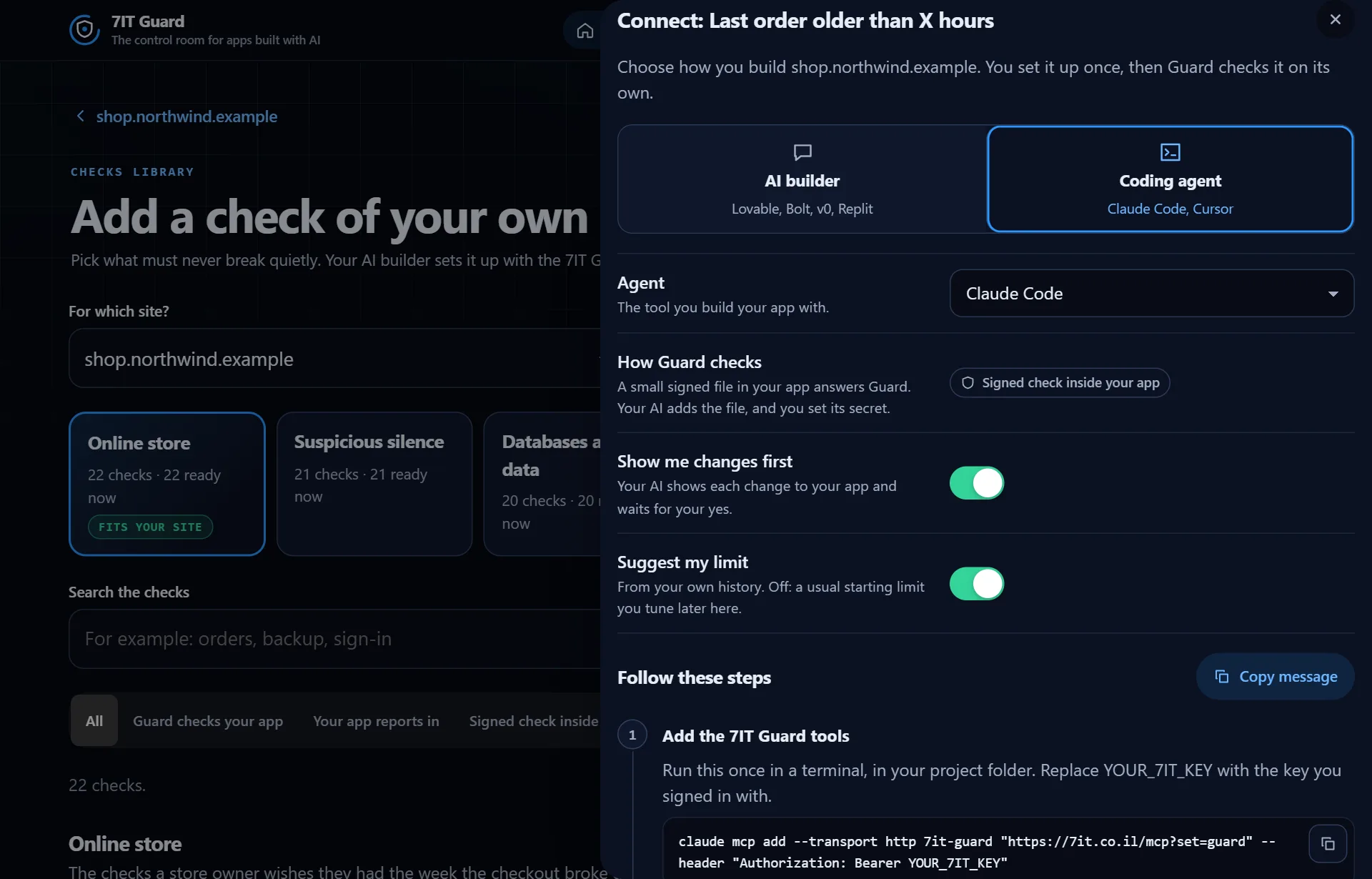
4. Watch it turn green
Paste the message and approve the limit in the chat. The last step waits, then shows the check as added and, at its first result, Connected. You set it up once: after that Guard checks on its own schedule, and nothing depends on your AI or your session.
More in Checks of your own
Open the Guard app
Sign in with your 7IT key, or prove your site is yours and watch one site at no cost.