Your check's page: limit, test, pause
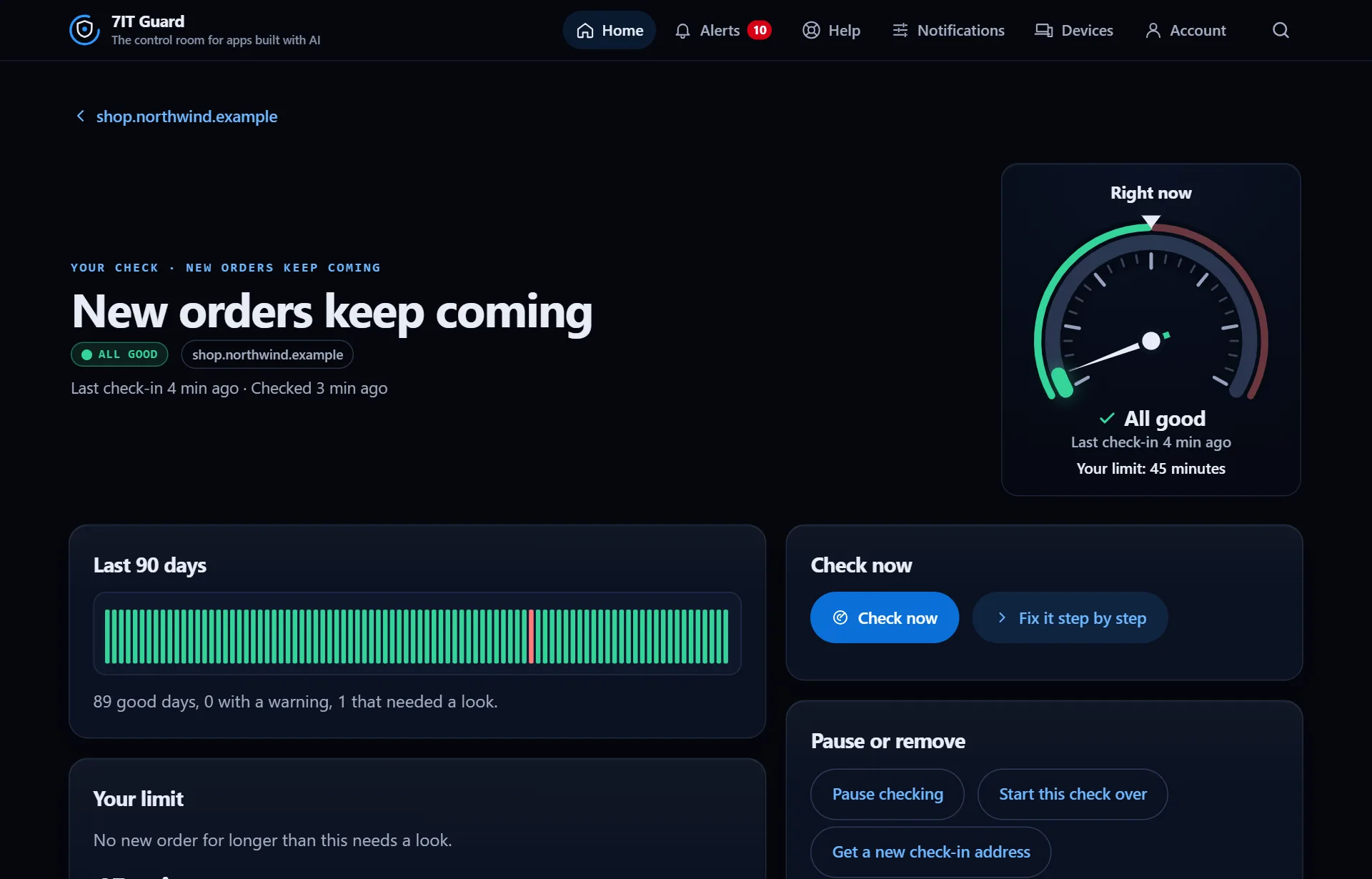
Each check has its own page with 90 days of history, its limit and every control in one place.
Right now and the last 90 days
The gauge shows the latest value against your limit. Under it, one bar per day: green, amber or red by the worst result of that day.
Your limit
The limit says when the check needs a look, for example no new order for 45 minutes. Guard suggests one from your own history: tap Use to take it, or set your own.
Check now
Runs the check once, right away. It only looks: nothing is saved and no alert is sent. Fix it step by step opens help for this check.
Pause or remove
- Pause checking: stop for a while, nothing is deleted.
- Start this check over: its current state and what it learned about your usual numbers are cleared. The days of history stay.
- Get a new check-in address: for checks your app reports to. The old address stops within a minute.
- Remove this check: it stops at once, with its history.
More in Checks of your own
| Find a check in the library | Checks of your own watch what matters to your business: new orders, sign-ups, a nightly backup, a payment service. They come with Guard Solo and Guard Pro. |
| Connect a check with your AI | Tap Add with my AI on a check. One panel walks you through it, and the last step turns green by itself when the check is live. |
Next: History and reports