The inbox
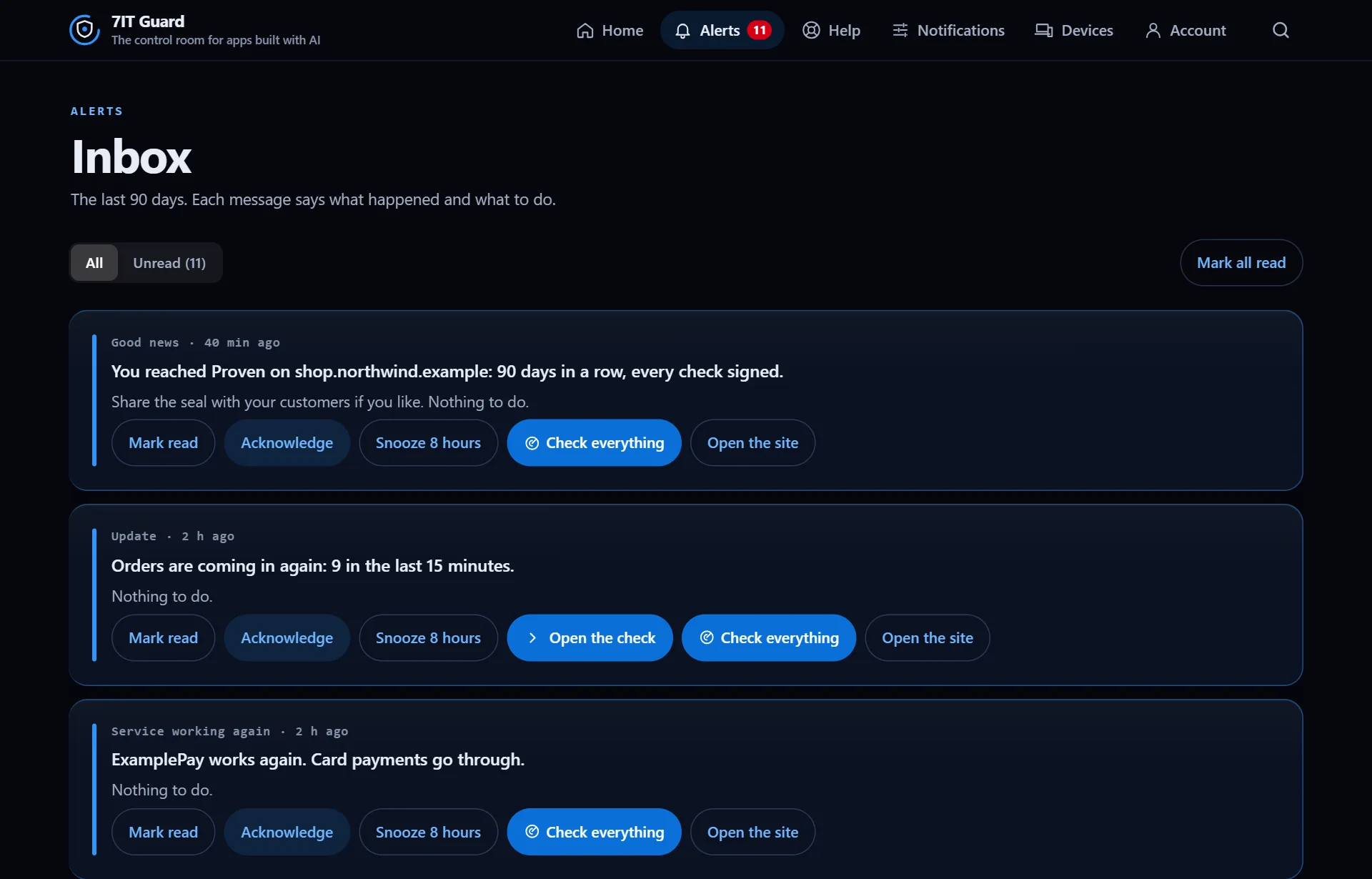
Alerts shows every message, newest first, with Unread on its own tab. Each one has the actions that fit it: Open the check, Check everything, Open the site.
Acknowledge or snooze
- Acknowledge: you saw it, and reminders about it stop until it changes. You can add a note.
- Snooze 8 hours: quiet for now, back later if it is still there.
- Mark read, or Mark all read, to clear the count.
Good news too
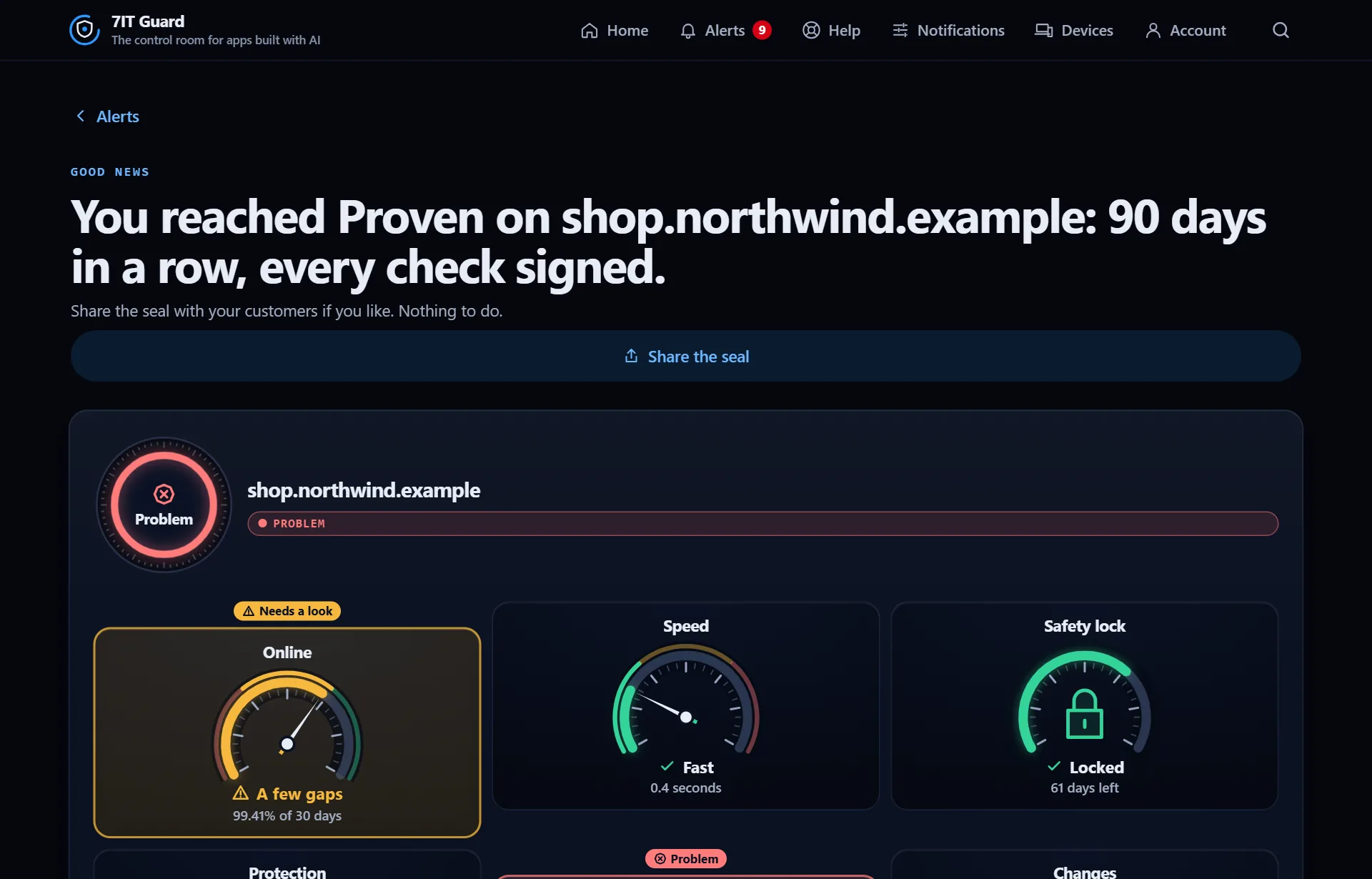
Guard also tells you when things go right: a service working again, orders coming back, a new level of the 7IT Proof seal. The summary shows every gauge of the site at that moment.
More in The control room
Read the control roomHome answers one question in a second: does anything need you? Colors, shapes and words always say the same thing.Read ›Your site's pageEvery site has its own page with all its gauges, its warning lights and where it is checked from.Read ›
Next: Fix a problem step by step
Open the Guard app
Sign in with your 7IT key, or prove your site is yours and watch one site at no cost.