Open a report
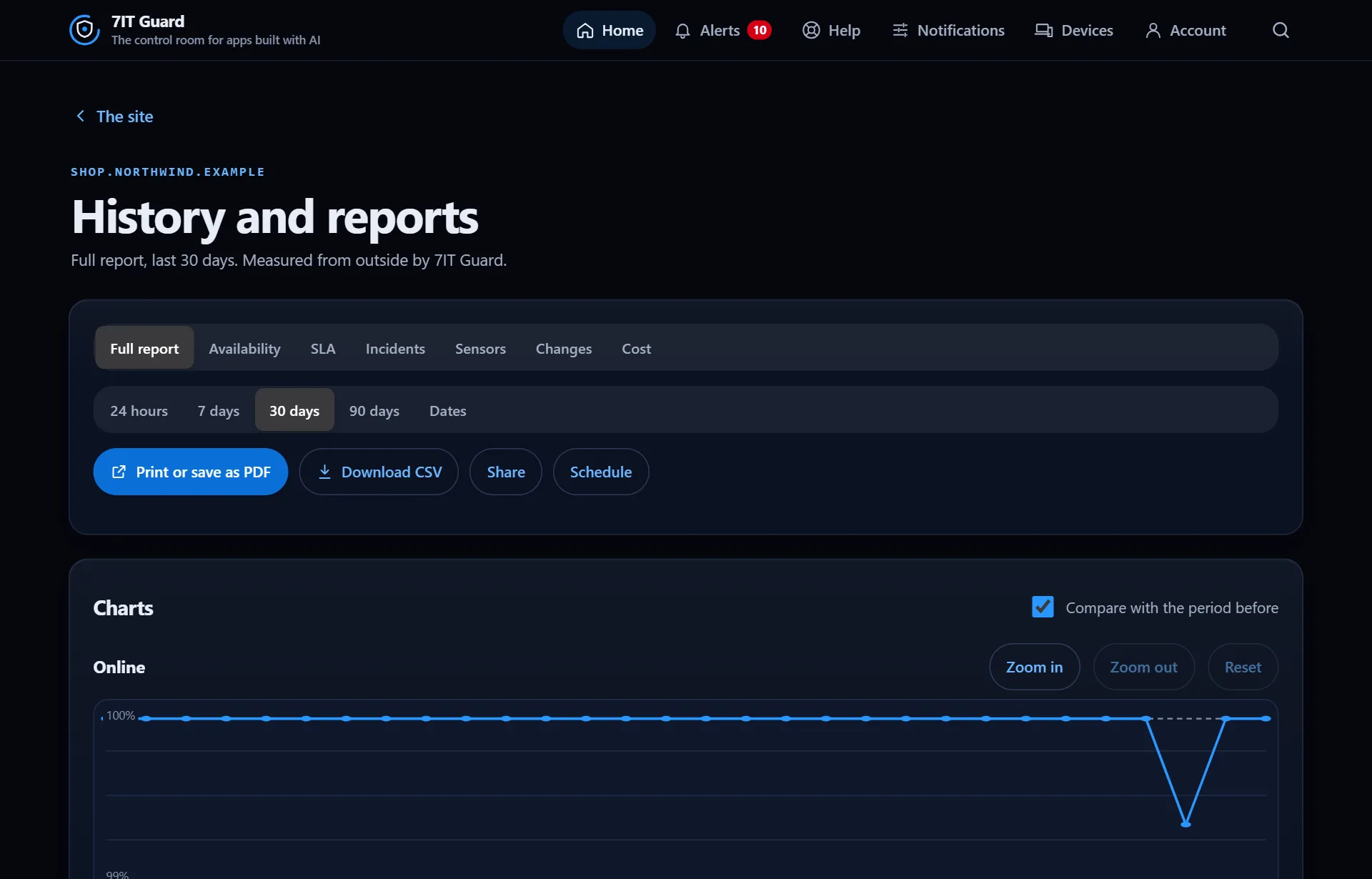
From a site's page, open History and reports. Choose the report (Full report, Availability, SLA, Incidents, Sensors, Changes, Cost) and the period, from 24 hours to 90 days or your own dates.
Charts
Charts zoom in and out, and can show this period against the one before. Every value is measured from outside by 7IT Guard.
Share it
- Print or save as PDF.
- Download CSV for a spreadsheet.
- Share: a link anyone can open to read this report.
- Schedule: get it on a regular schedule.
Good to know: Guard Pro adds every period up to 90 days, sharing, schedules, notes on a day (like planned maintenance) and a signed monthly report.
More in Reports and account
Open the Guard app
Sign in with your 7IT key, or prove your site is yours and watch one site at no cost.