The sentence on top
It names the most urgent problem and the site, or says all is good. The chips under it count what needs a look and what is a problem. The rows below open each one.
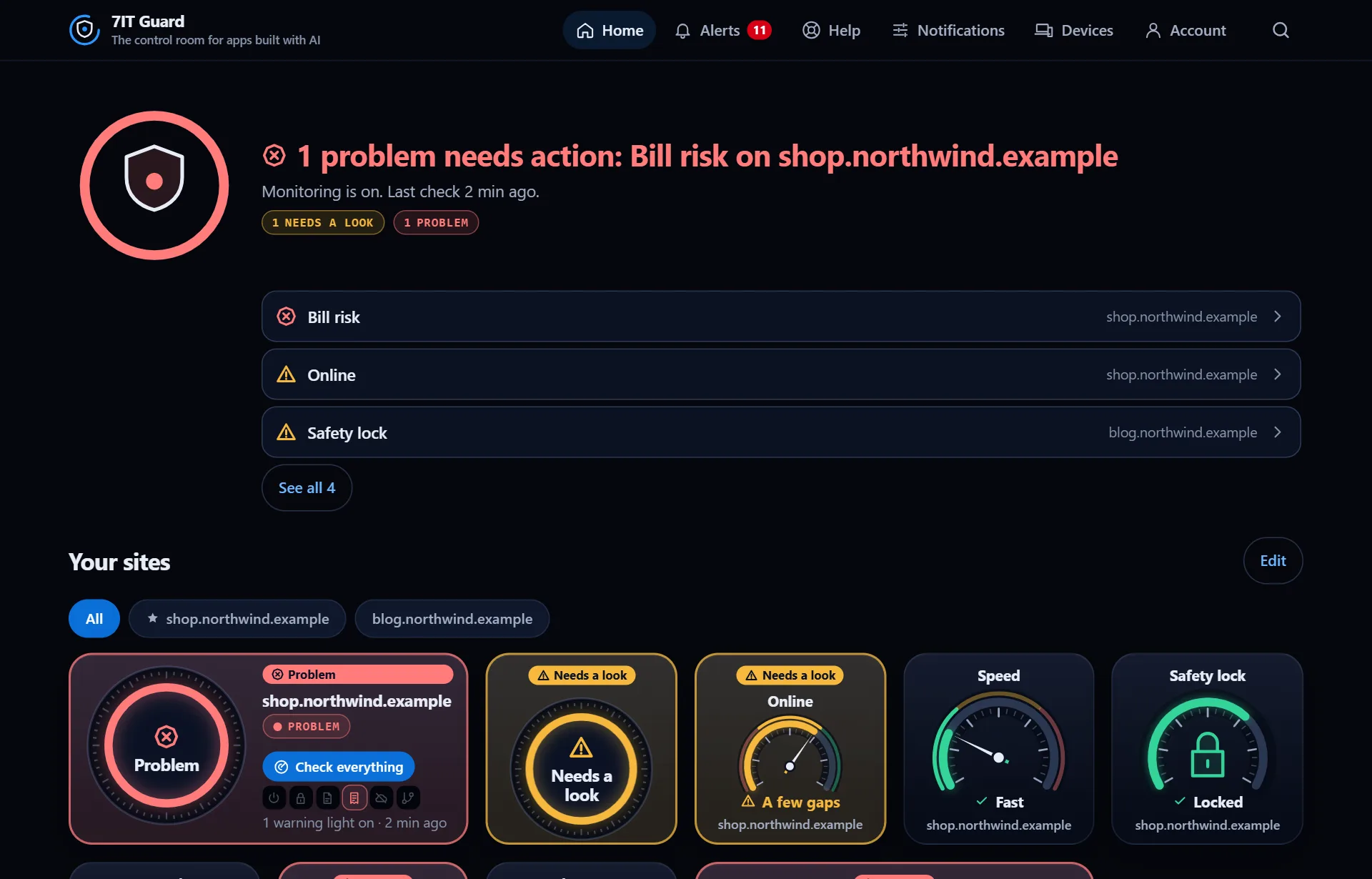
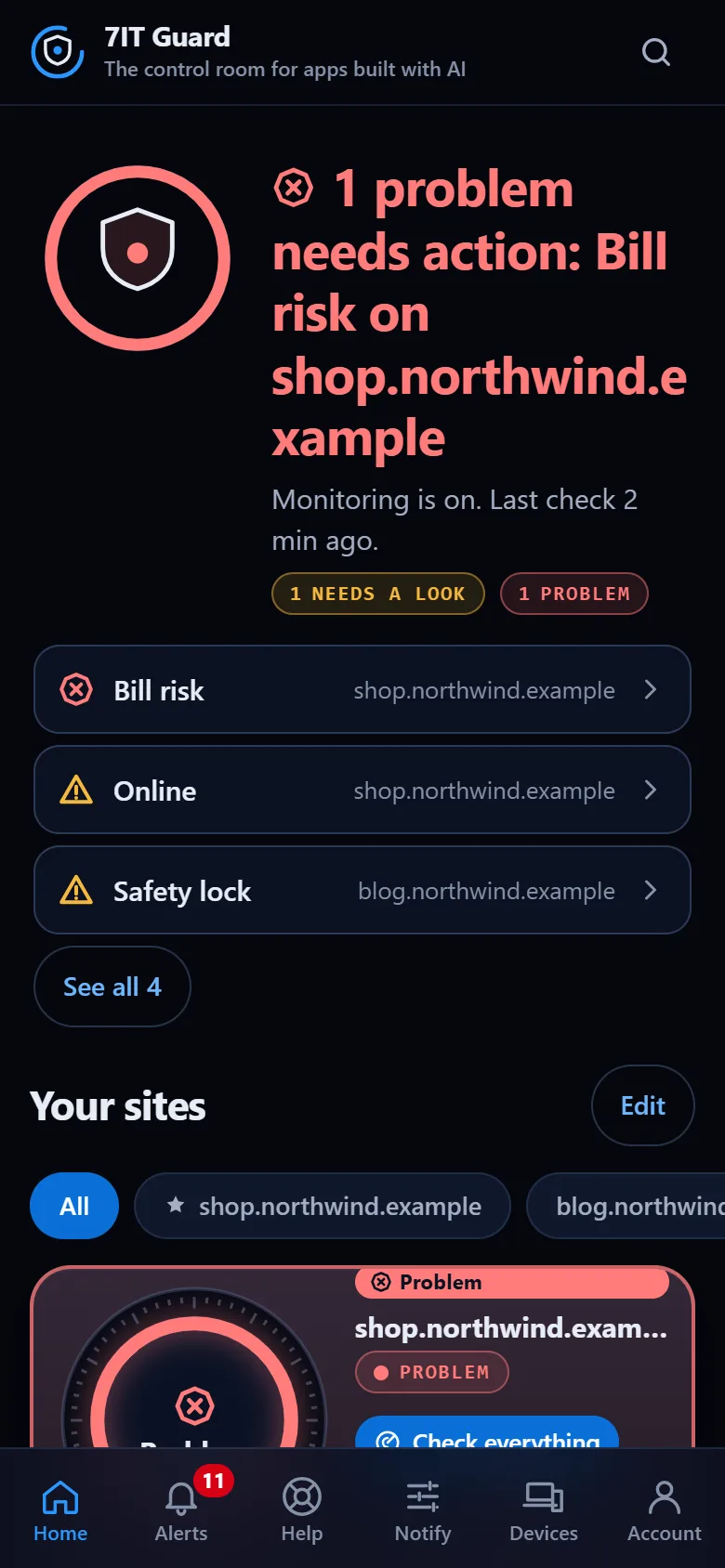
Three words, three colors
- All good, in green: nothing to do.
- Needs a look, in amber: worth fixing soon, not urgent.
- Problem, in red: act now. A red gauge or light makes the whole site red.
The gauges
- Online: how much of the last 30 days the site answered.
- Speed: how fast your pages answer.
- Safety lock: how many days the security certificate has left.
- Protection: the browser protections your site sends.
- Bill risk: what could run up your costs, like an open AI feature.
- Changes: whether an update made anything weaker.
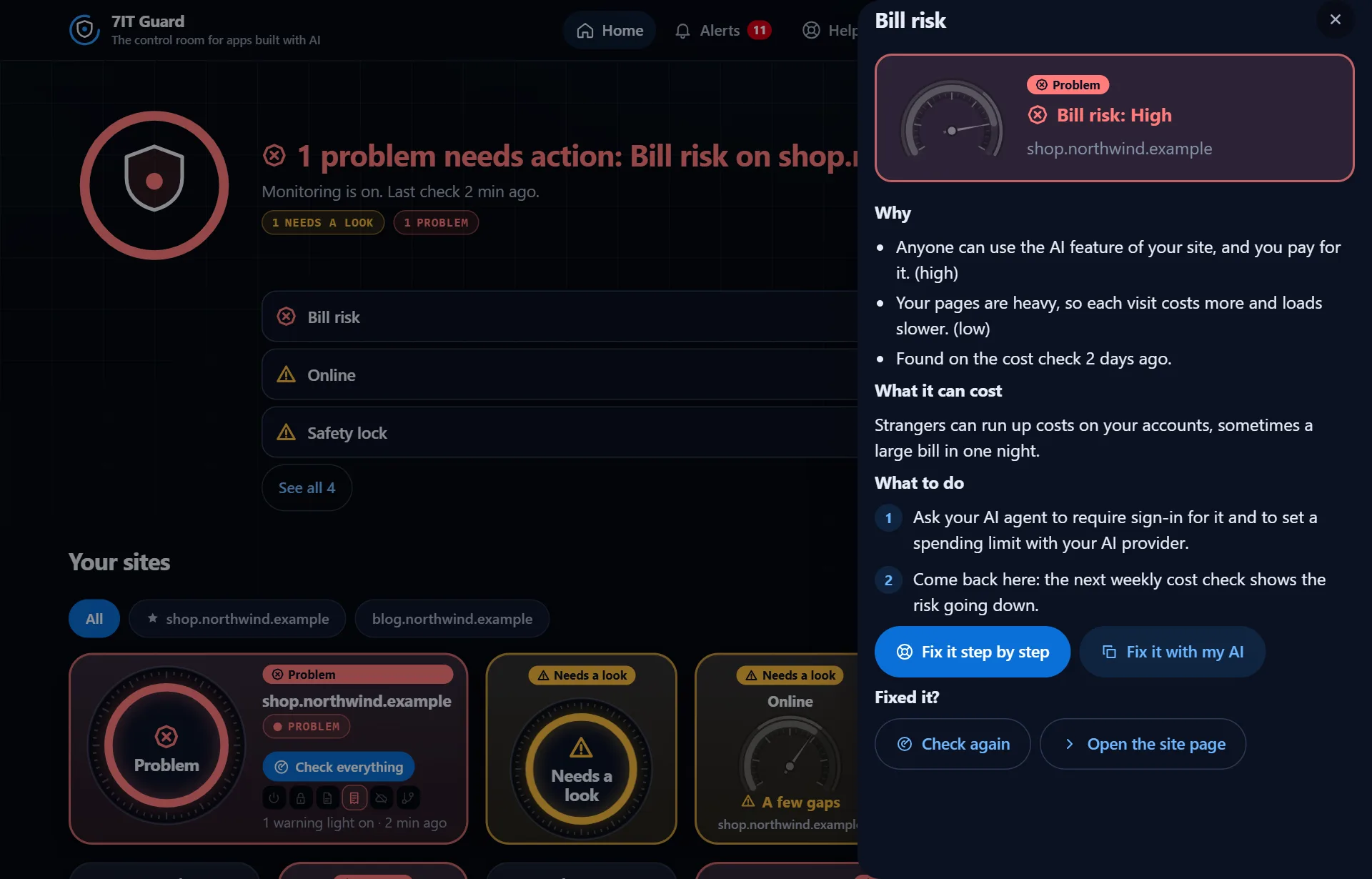
Tap any gauge
A panel opens with why it shows that, what it can cost you and what to do, in numbered steps. From there: Fix it step by step, Fix it with my AI, or Check again once it is fixed.
More in The control room
Your site's pageEvery site has its own page with all its gauges, its warning lights and where it is checked from.Read ›Alerts and the inboxEvery alert lands in the inbox for 90 days. Each message says what happened and what to do.Read ›
Open the Guard app
Sign in with your 7IT key, or prove your site is yours and watch one site at no cost.