Open the app
Open 7it.co.il/guard/app/ on your phone or computer. There is nothing to download from a store: the app runs in the browser, and you can install it on your Home Screen later.
Sign in, one of two ways
- With a 7IT key: paste the key you got with your plan. It is checked once, then this device stays signed in. The key is never stored in the browser or on 7IT servers.
- Without a key: prove the site is yours. The app is at no cost for one site, checked once an hour.
Good to know: Already signed in on one device? Open a pairing link on the next one: it signs that device in once, without typing the key.
What you see first
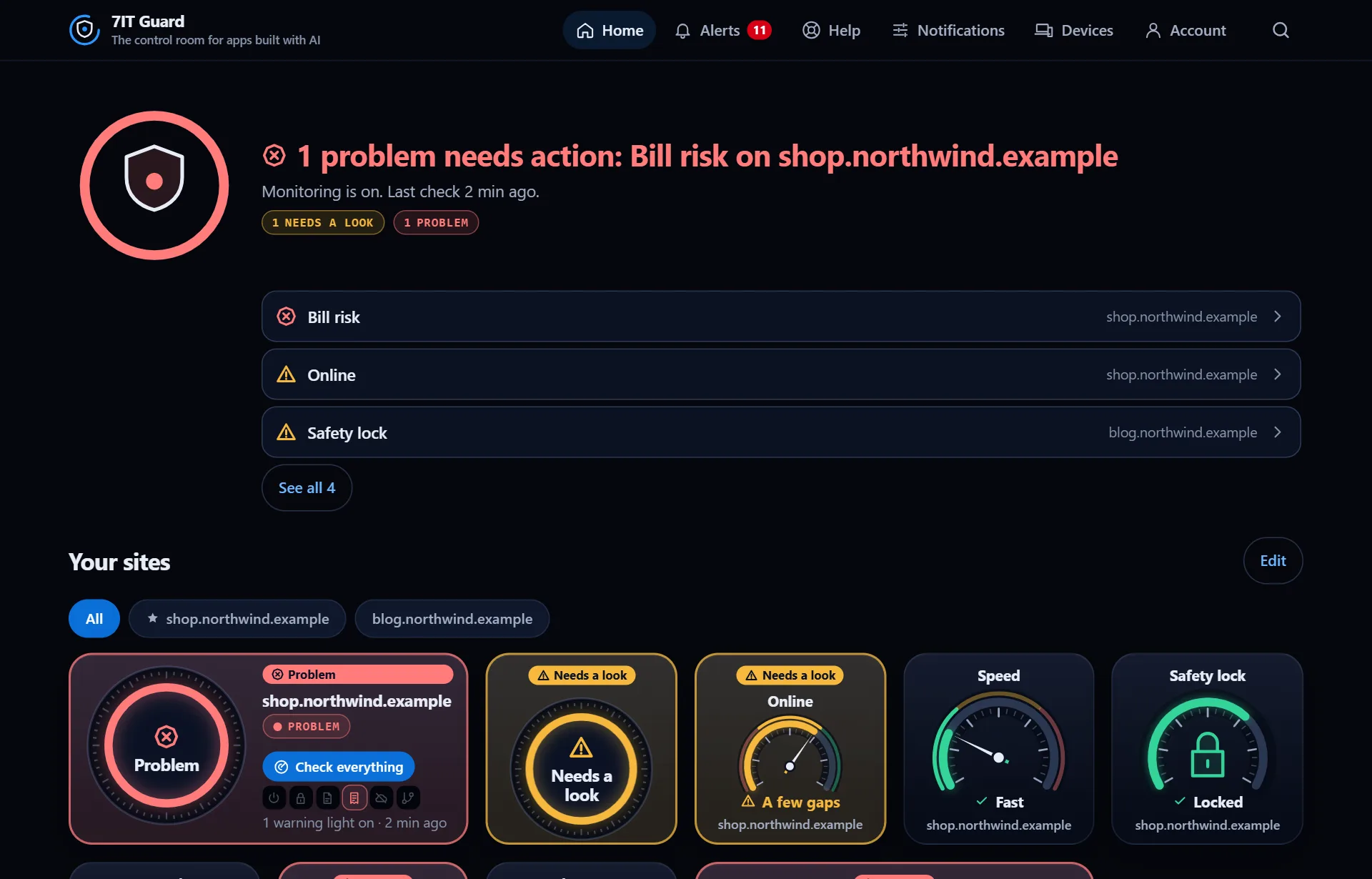
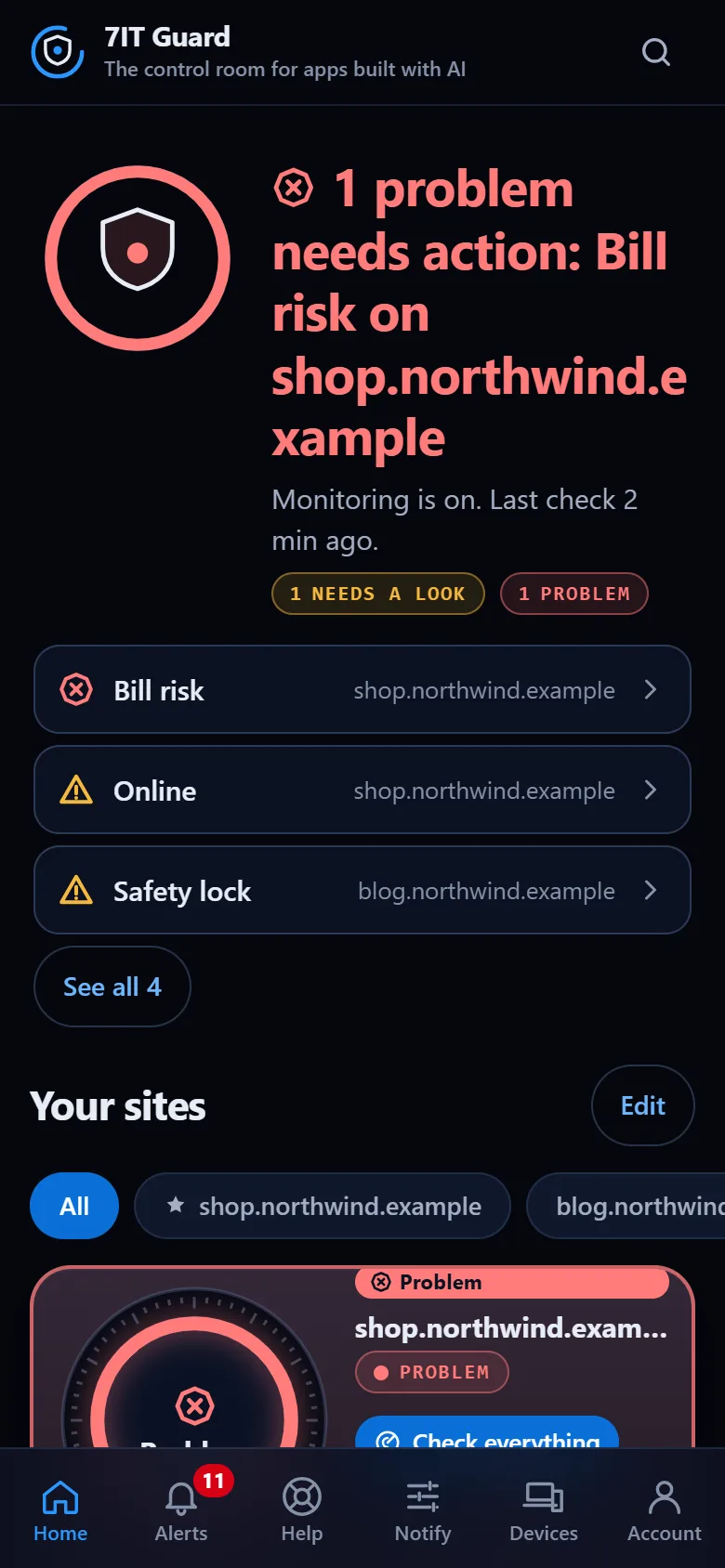
Home shows every site you watch. One sentence on top says whether anything needs you. Below it, each site has a dial and a row of gauges: Online, Speed, Safety lock, Protection, Bill risk and Changes.
Look around first
Want to see it before you sign in? The built-in demo runs a made-up coffee shop through a full day, with sample data. Nothing in the demo is real and nothing you do there is saved.
More in Get started
Open the Guard app
Sign in with your 7IT key, or prove your site is yours and watch one site at no cost.