Your plan
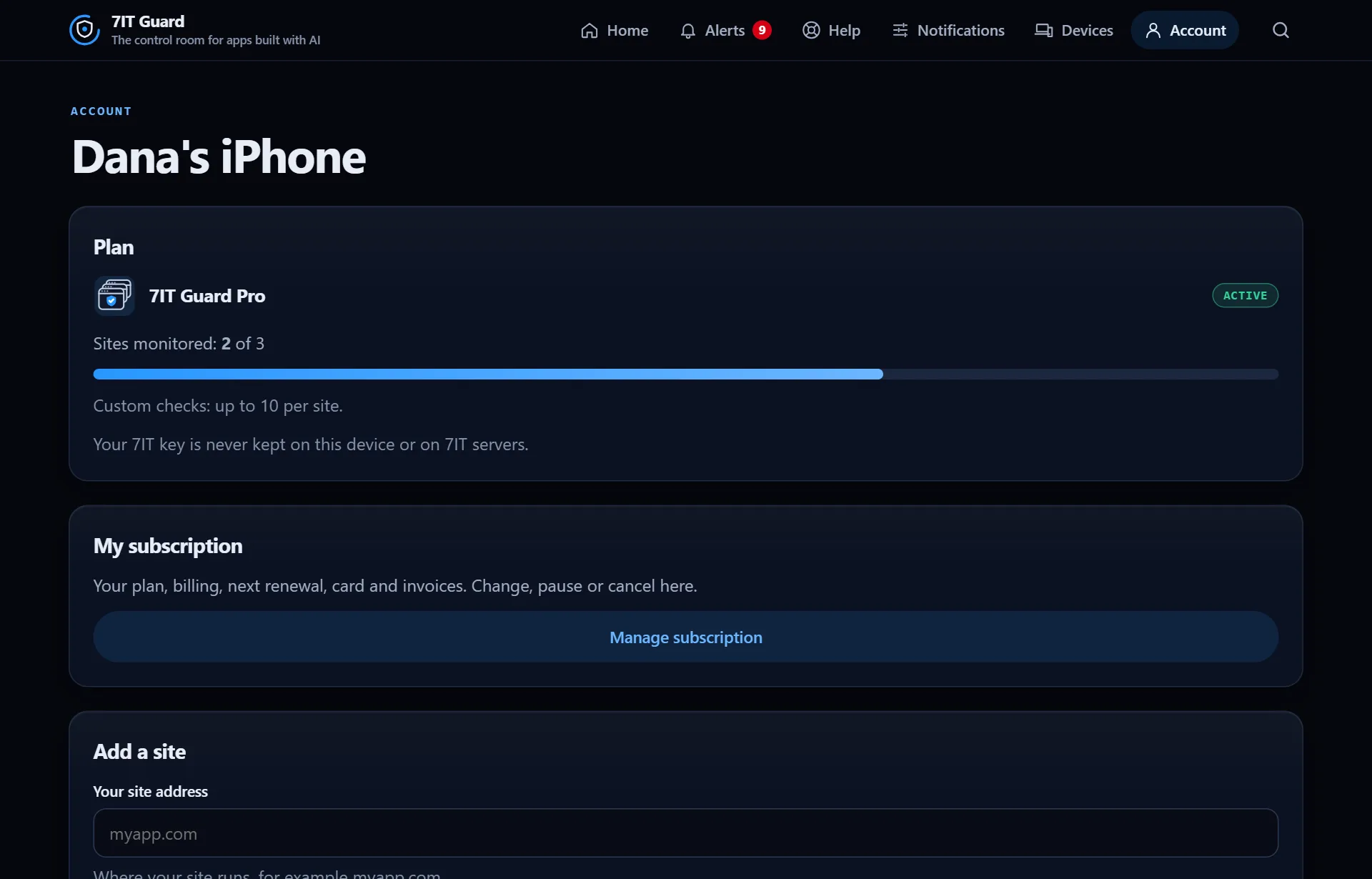
Account shows the plan, the sites it watches out of how many, and how many checks of your own each site can have.
Your subscription
Manage subscription shows billing, the next renewal, the card and invoices. Change, pause or cancel from there. Nothing is deleted when a plan ends: your history stays and comes back with a plan.
Your devices
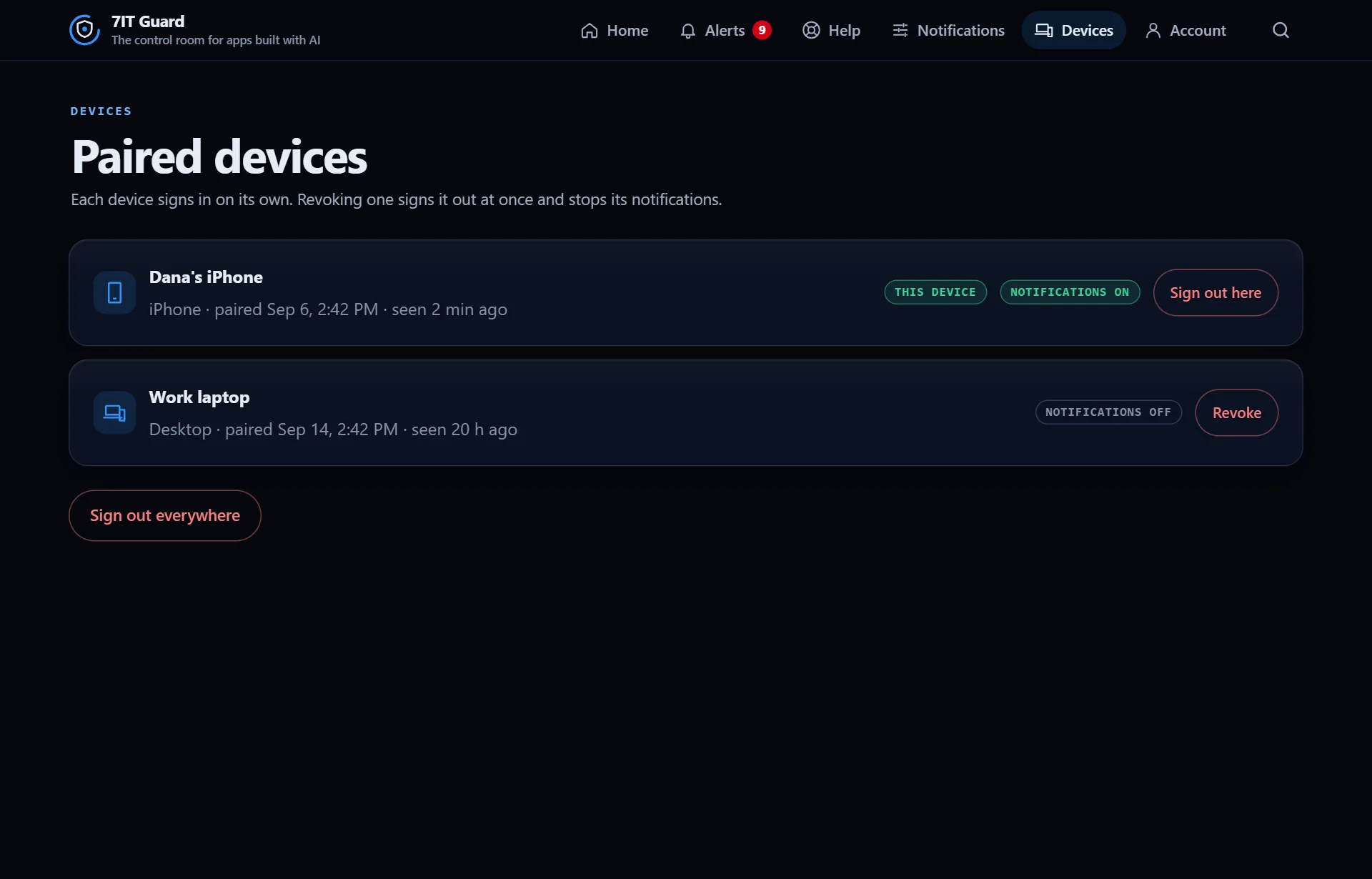
- Each device signs in on its own and shows when it was last seen and whether its notifications are on.
- Revoke a device to sign it out at once and stop its notifications.
- Sign out everywhere to end every session.
More detail when you want it
The app speaks plainly by default. Turn on Advanced details in Notifications to see the technical words, raw values and settings behind every screen. It is saved on that device only.
More in Reports and account
Next: Get started with the Guard app
Open the Guard app
Sign in with your 7IT key, or prove your site is yours and watch one site at no cost.