Add the address
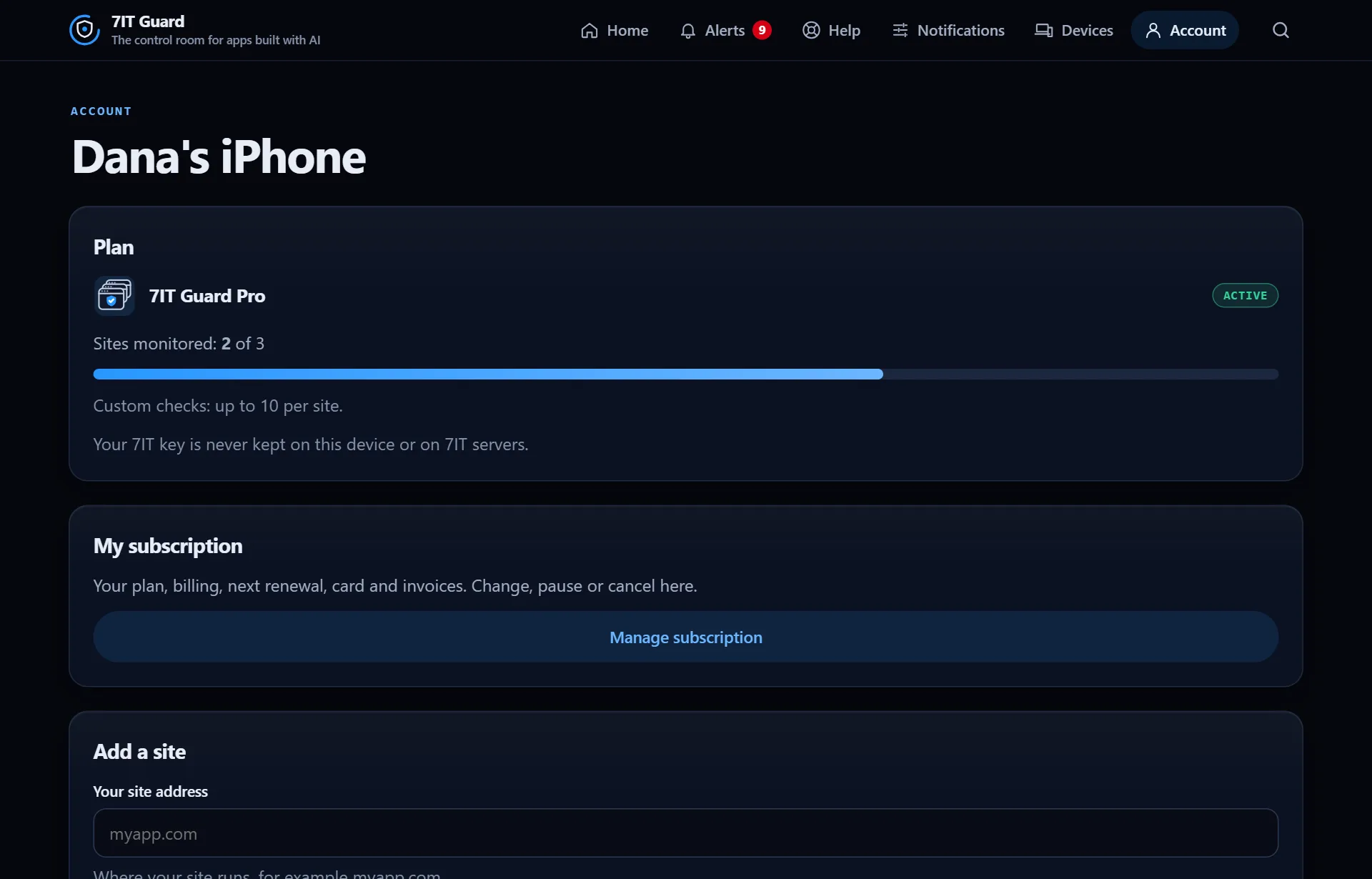
- Open Account and find Add a site.
- Type your site address, for example myapp.com.
- Pick one of the ways below to prove it is yours, then tap Verify.
Three ways to prove it
- A file: publish a small file named exactly 7it-verify.txt at the root of the site, next to index.html. This works on every host, including shared platform addresses.
- A DNS record: add a TXT record where the domain is managed (Vercel, Namecheap, Wix and others). The app shows the exact place for common providers.
- A tag: ask your AI builder to add the 7it-site-verification meta tag to the page head, then publish.
Good to know: Not found yet? Some hosts serve an older copy for a short while, and a new DNS record can take up to an hour. Wait a minute and tap Verify again.
After that
Monitoring starts on its own. You do not need to keep the app open, and nothing depends on your AI or your session. Every new site starts with 14 days of Guard Pro, with no card.
More in Get started
Get started with the Guard appThe Guard app is the control room for apps built with AI. It watches your site from outside, all day, and tells you in plain words when something needs you.Read ›Install the app and turn on notificationsAlerts reach your phone even when the app is closed. On iPhone and iPad they need the app on your Home Screen first.Read ›
Open the Guard app
Sign in with your 7IT key, or prove your site is yours and watch one site at no cost.