Install the app
- iPhone and iPad: in Safari, tap Share, then Add to Home Screen, then Add.
- Android and computers: tap Install app, or Add to Home screen.
- Open 7IT Guard from the new icon. Notifications on this device work only from the installed app.
Choose what reaches you
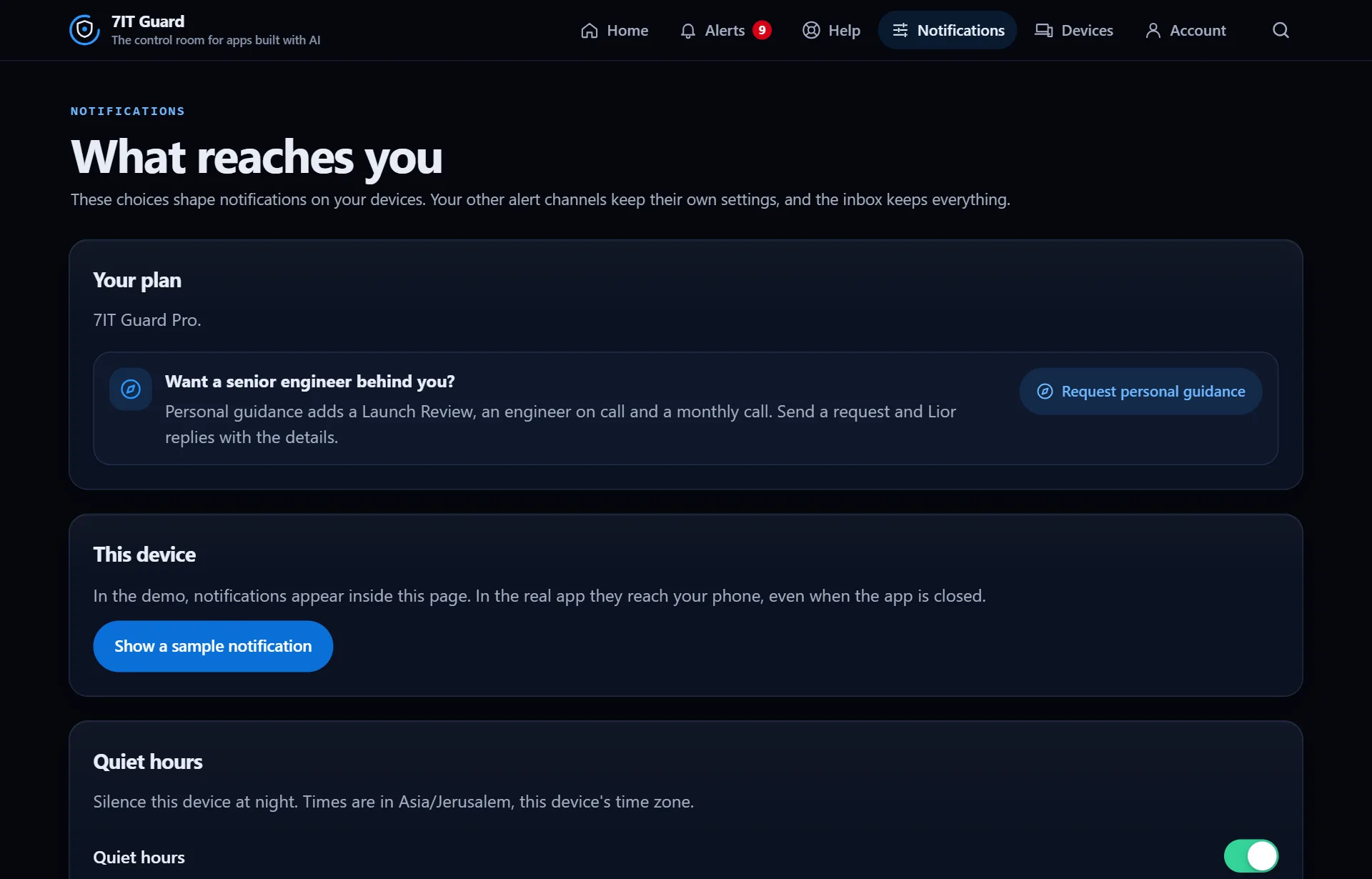
Open Notifications. Turn on notifications for this device and send yourself a test. Quiet hours keep the device silent at night, in your own time zone.
Send alerts to your team too
In Notifications you can add Slack, Discord, ntfy or your own webhook address. A test message goes out when you save. Each channel keeps its own settings, and the inbox keeps every message either way.
Mute or snooze one site
In Notifications each site has its own switch and a Snooze. Off mutes that site on your devices. The inbox still keeps every message, so nothing is lost.
More in Get started
Get started with the Guard appThe Guard app is the control room for apps built with AI. It watches your site from outside, all day, and tells you in plain words when something needs you.Read ›Add a site and prove it is yoursGuard watches only sites whose owner proved they are theirs. It takes a few minutes, once per site.Read ›
Next: Read the control room
Open the Guard app
Sign in with your 7IT key, or prove your site is yours and watch one site at no cost.